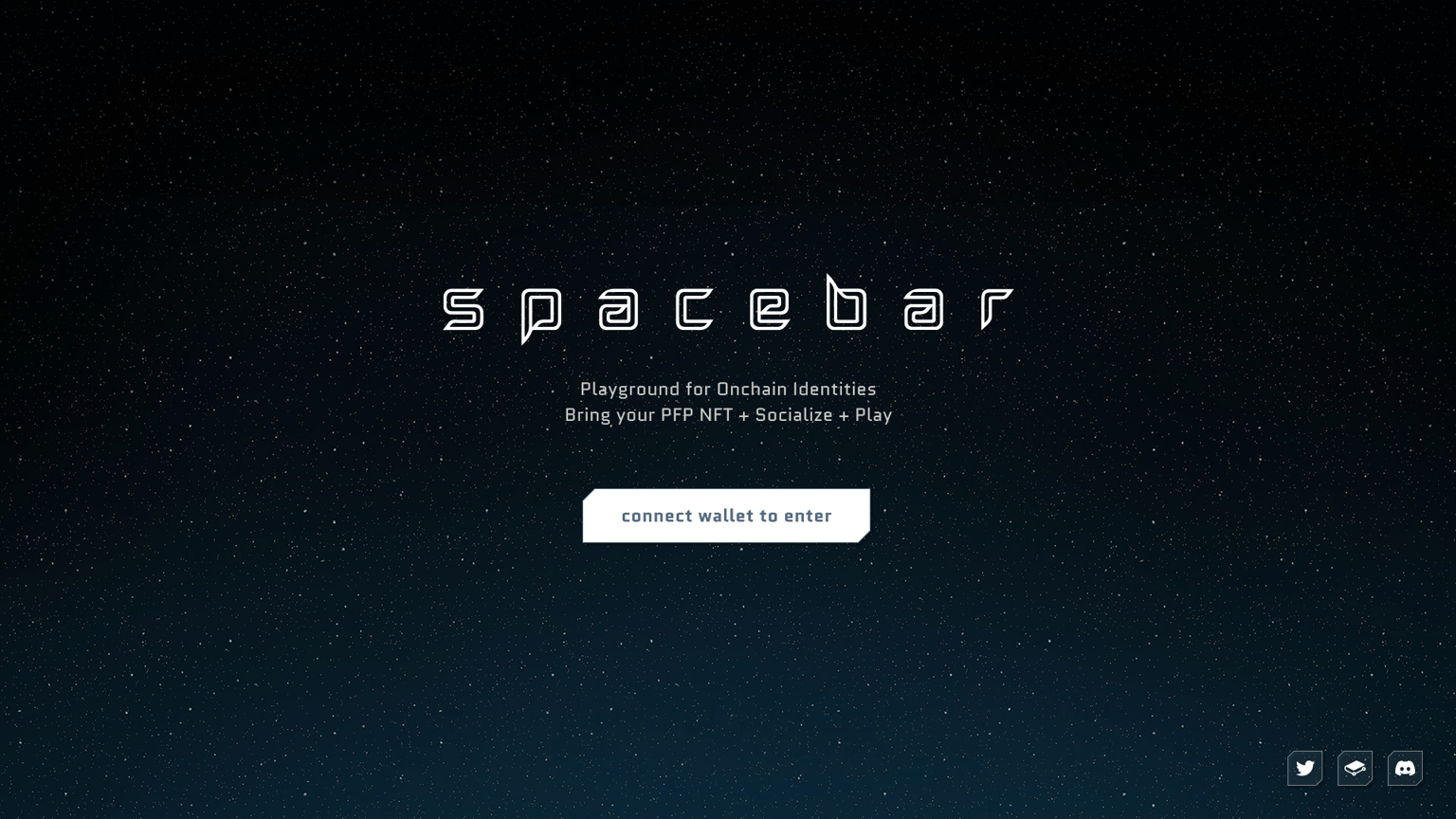
1️⃣ Create your account with NFT
Step 1. Access eth.spacebar.xyz and connect your wallet
- Spacebar is available on Ethereum mainnet. To ensure compatibility, make sure your network is set to Ethereum.
- Once your wallet is connected, you will be prompted to agree to the Terms and Conditions and Privacy Policy.
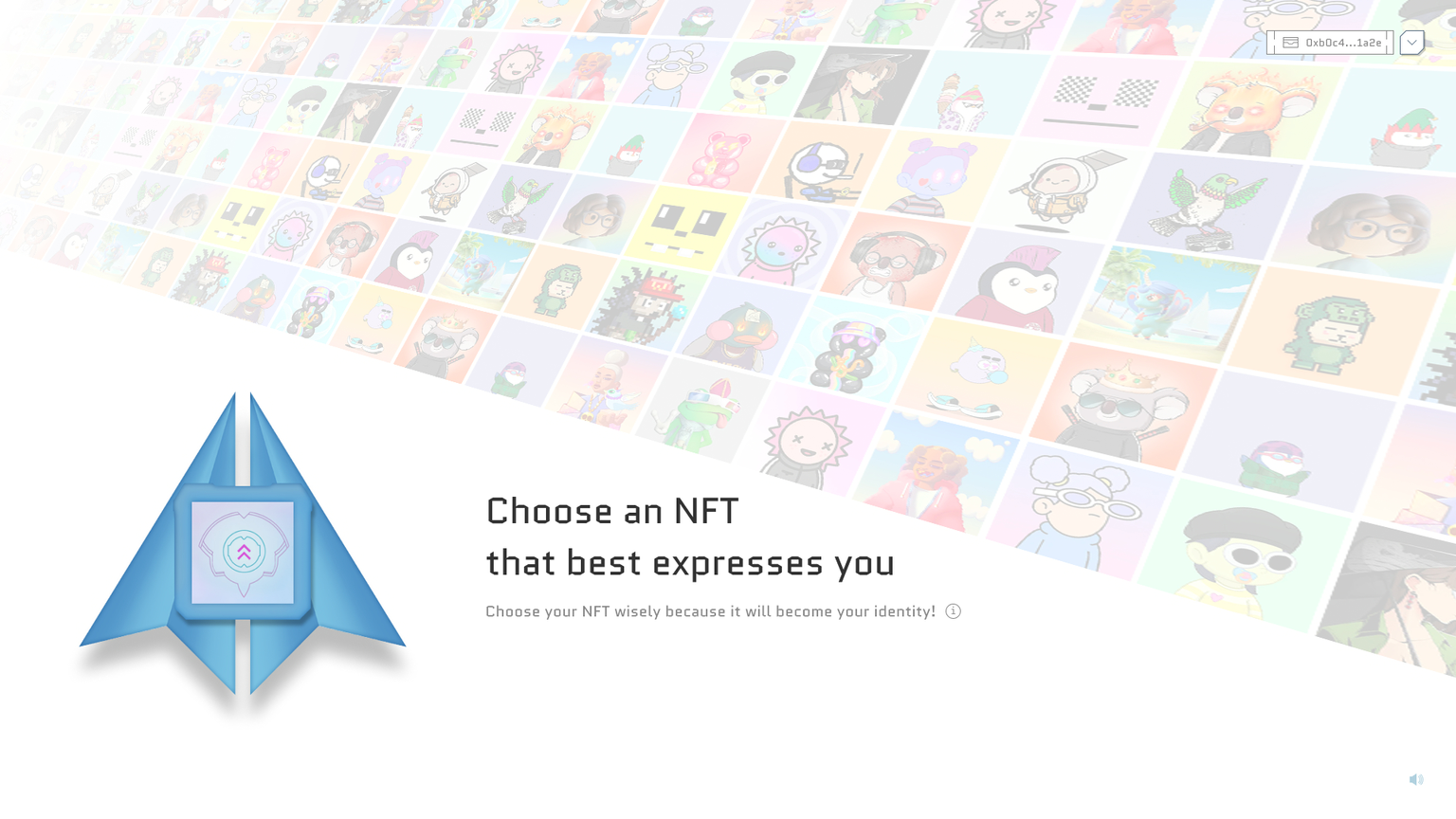
Step 2. Choose an NFT that best expresses you
- This page displays all the NFTs in your connected wallet.
- Spacebar currently supports ERC-721 tokens on Ethereum mainnet.
- To select NFTs from another wallet, simply click the button located in the top right corner to change wallets.
- Please note the following regarding NFT selection on Spacebar:
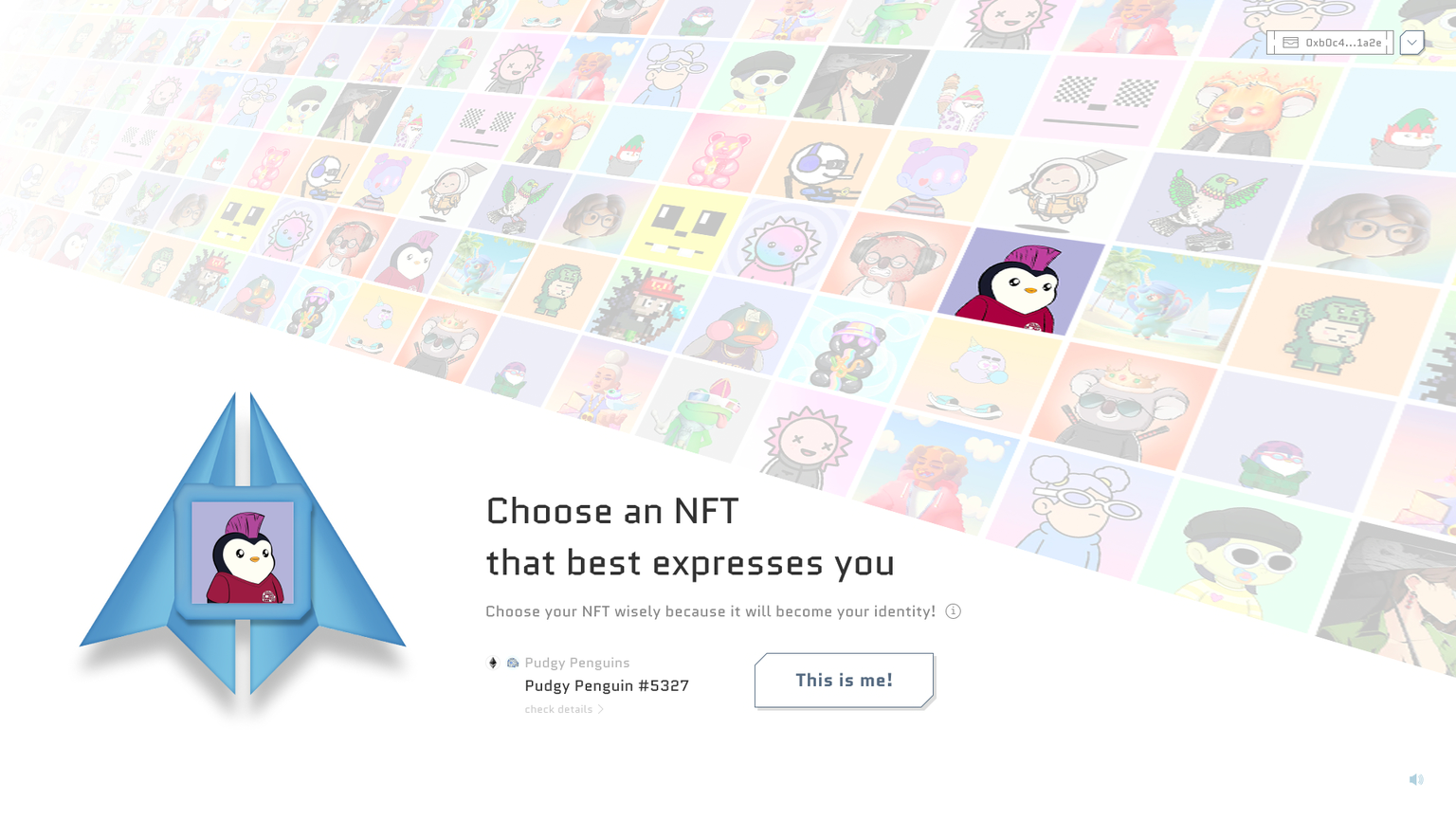
- The NFT you choose will serve as your profile image and identity on Spacebar. Choose your NFT wisely.
- If you have received a whitelist badge, make sure to select the same NFT that you used when obtaining the badge. Failure to do so will result in a failed Protoship claim.
Step 3. Claim Spaceship NFT
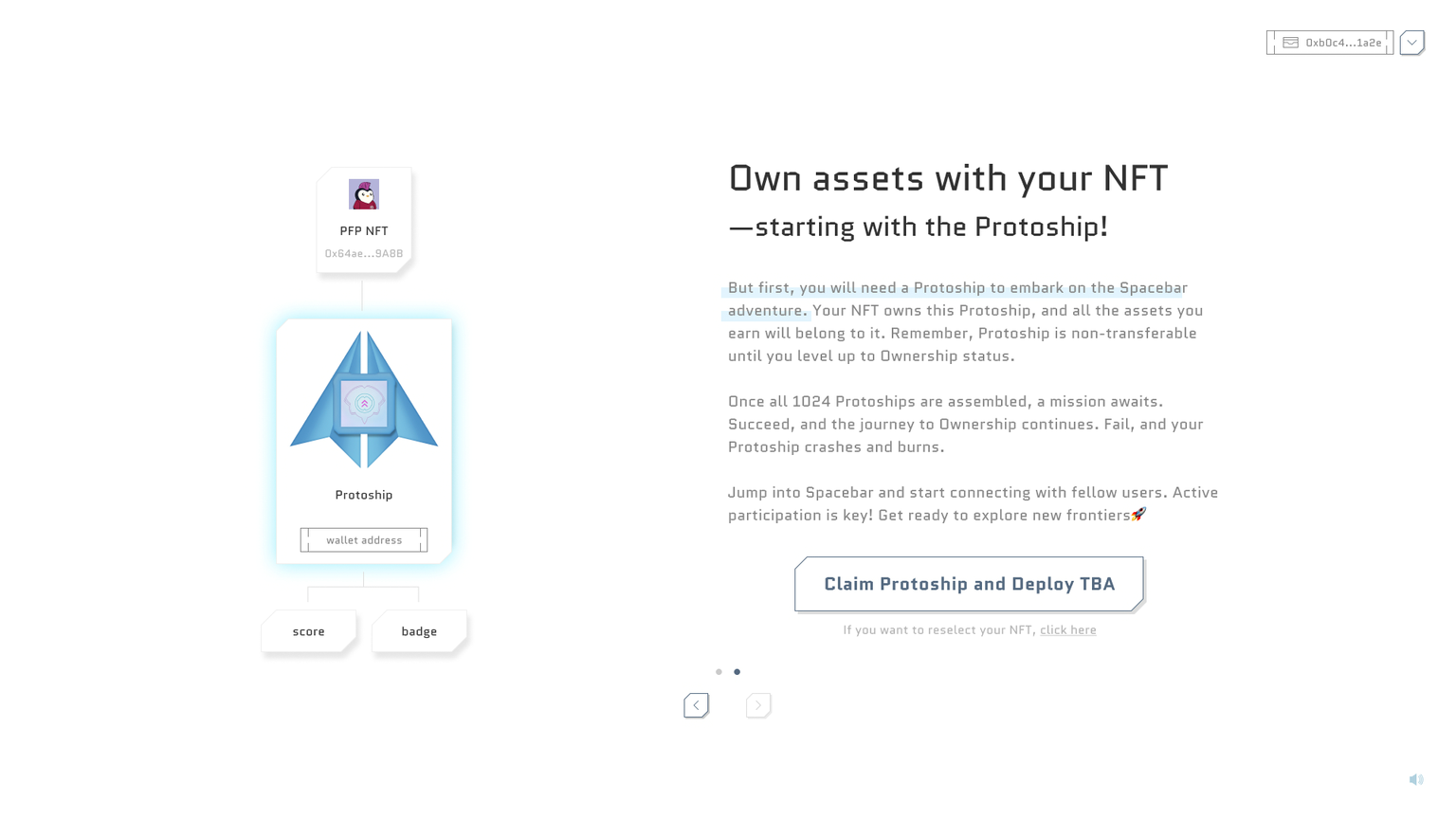
- Once you have your PFP NFT to be your identity in Spacebar, you can claim your Protoship! Protoship is the Spaceship that you start Spacebar journey with.
- Spaceship NFT starts as Protoship and then gradually evolves into Ownership. During Protoship phase, Spaceship NFT is non-transferrable.
- As you complete your missions and challenges along the way, you will have a chance to upgrade your Protoship into Ownership.
- If you fail to do that, your Protoship is likely to get burnt! So be careful!
- This Spaceship you claim here is 'owned by' your PFP NFT. (I told you! Your PFP NFT is literally your identity.)
- As the Spaceship NFT is placed two layer down from your wallet (EOA), you can use tokenbound.org website to find your Spaceship!
- This transaction does not cost you any fee but only gas fee.
Before you can embark on the Spacebar adventure, you'll need a Protoship. Your NFT owns this Protoship, and any assets you earn will belong to it. Just keep in mind that the Protoship cannot be transferred (as it is a Soulbound Token; SBT) until you reach the Ownership status. The Protoship mint is currently free, you only pay for the gas.
Step 4. Enter Spacebar ⏎🚀
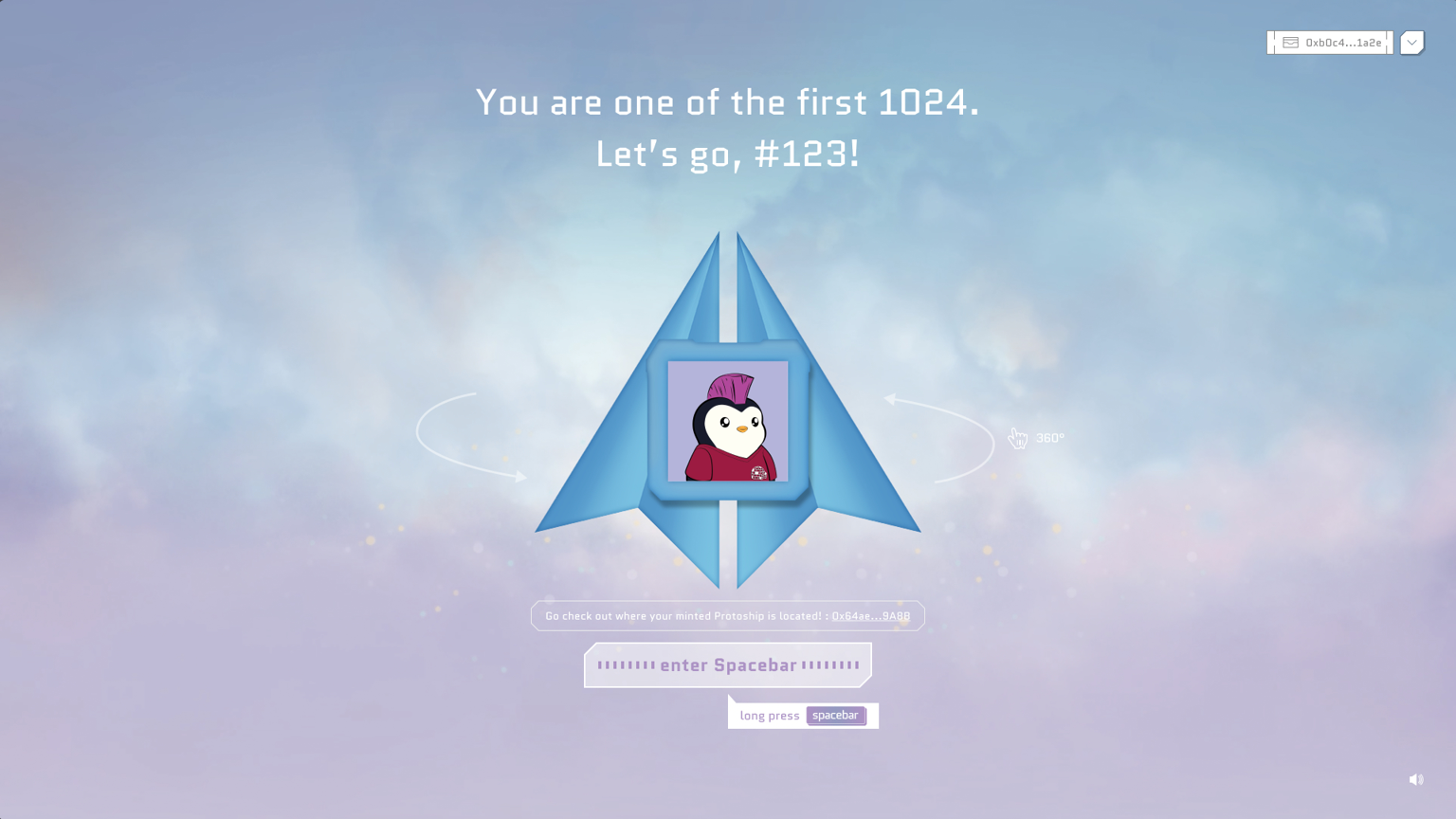
- If you're seeing this screen, congratulations! You are one of the first 1,024 Protoships.
- Take a moment to explore your Protoship. To enter Spacebar, simply long-press the spacebar key.
Are you having trouble?
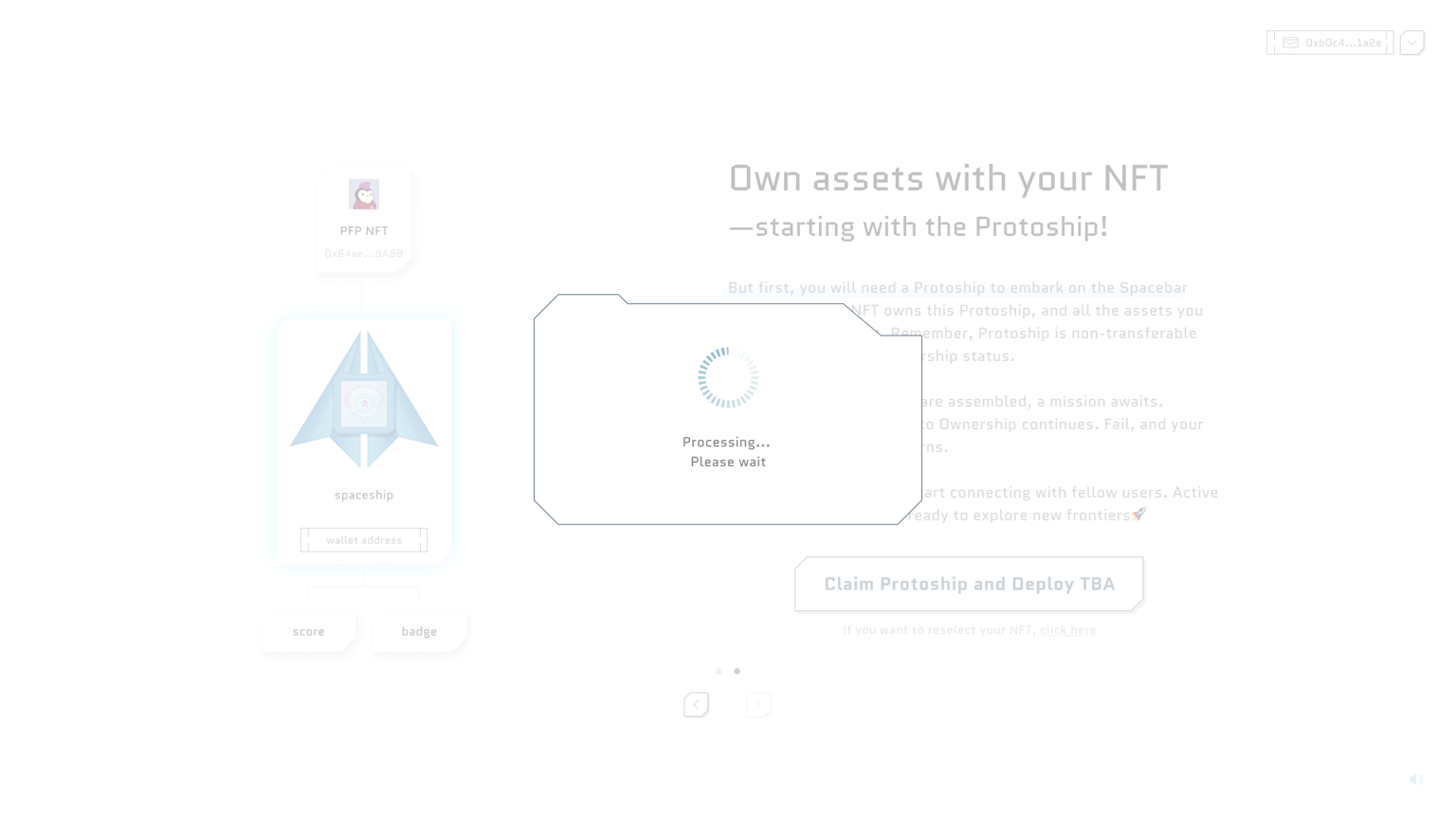
Q. What should I do if transaction to claim Spaceship takes so long?
- Claiming Spaceship can take some time due to congestion in Ethereum network or too many transactions submitted at the same time.
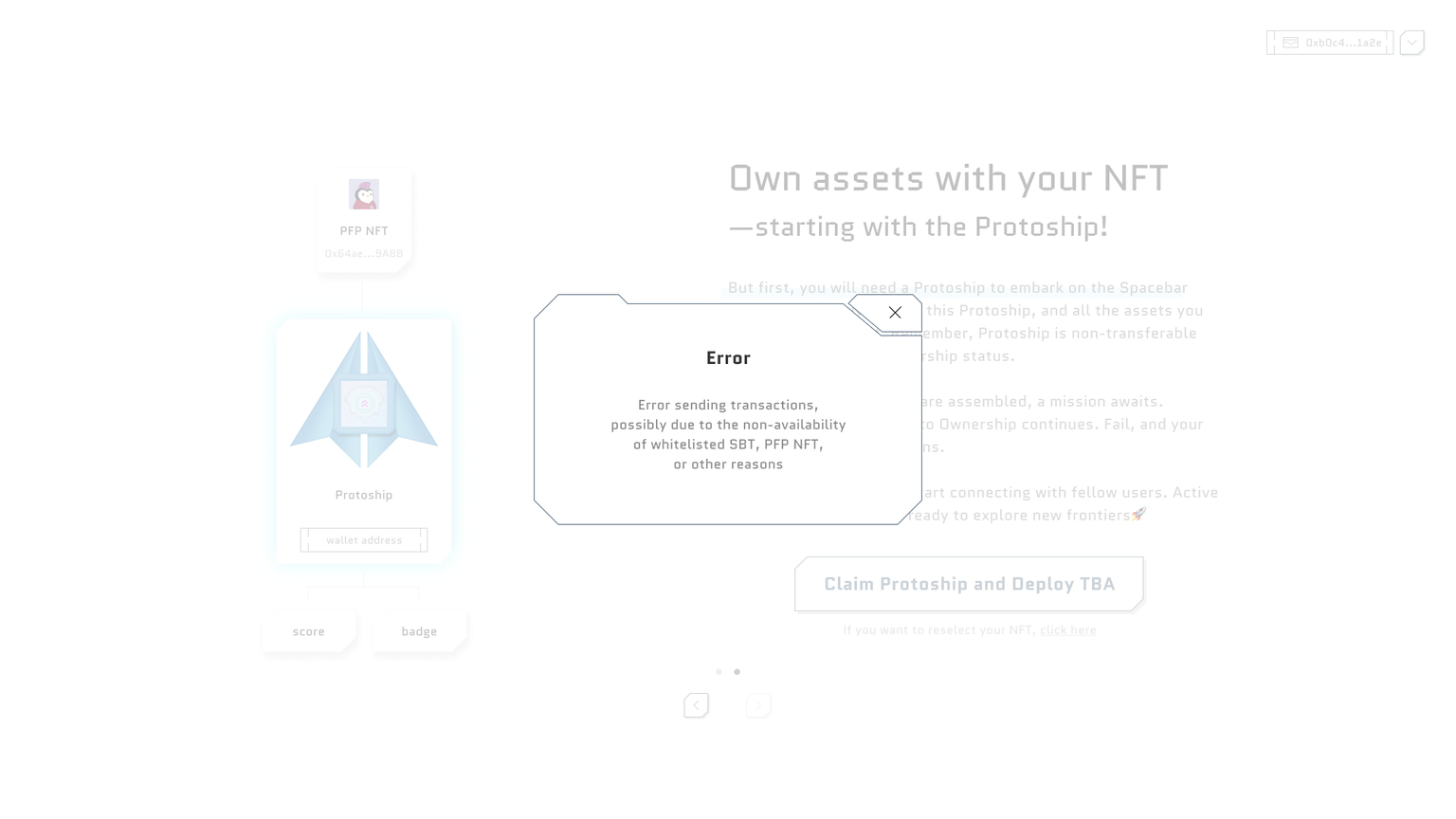
Q. Why does this error occur?
- If the error like below occurs, it's usually because 1) you don't have whitelist badge yet or 2) you already own a Protoship.